I like to keep an uncluttered space that allows me to focus on the task at hand. The tools I choose tends to follow that principle, too. Function is important, as well as ease of use and accessibility. Below is a non-exhaustive list of what I currently use.

 in Stone, which has a document hideaway, a magnetic cable holder, and a stationary holder. I have a small stainless Steel tray from MUJI to store frequently used items.
Planning and organising
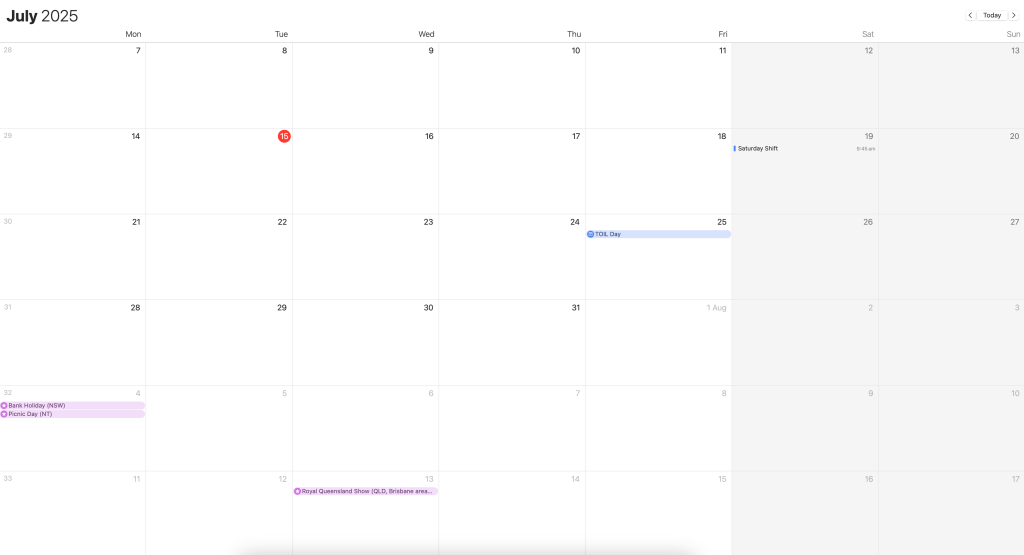
Calendar: My default calendar of choice. Sure, it doesn’t have many features like natural language input, but this doesn’t phase me. It has everything I need to schedule events, and that’s all I need for now.
Things: Scheduling tasks and getting things done. There are plenty of task managers and to-do list apps I could choose from each with its bells and whistles. I choseThings as the interface is made seamlessly for MacOS/iOS. Its design is simple, clean, and has all the features I need. I also like how it syncs with Apple Calendar, and helps make planning and organising easier when I can easily see what I have scheduled on a particular day.
Reminders: Where Things is for to-do lists and scheduling tasks, I use Reminders to jog my memory on specific tasks that need my attention on a regular fortnightly, monthly, or annual basis. Important tasks like paying bills, renewing subscriptions and insurance policies.
Capturing and storing information
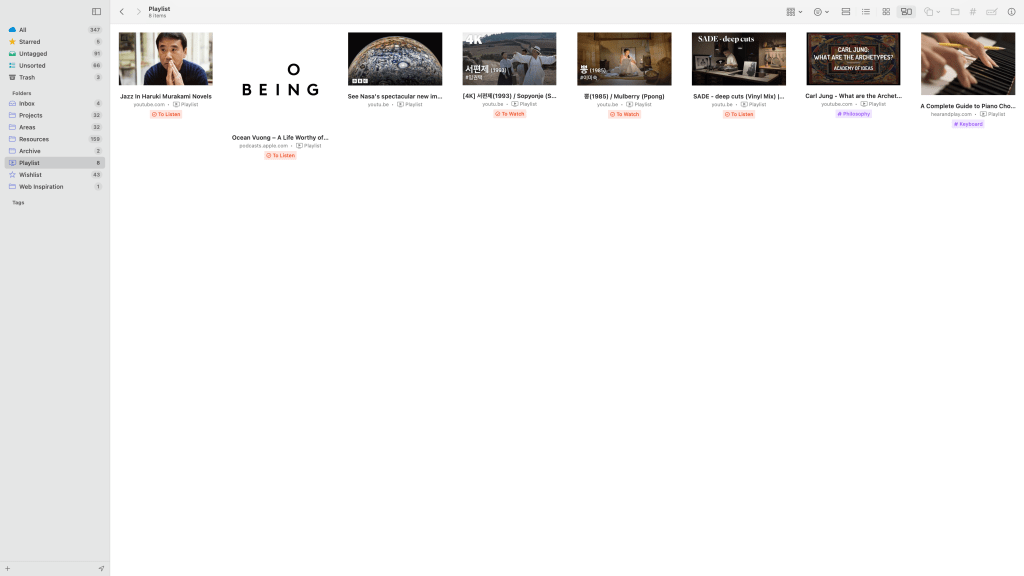
Anybox: This is a recent bookmarking app that I’ve added into my digital ecosystem. What I like about it is that it syncs across all my devices and I can easily access all my bookmarks whether I’m on my Mac Desktop or iPhone.
Notes: I use Apple’s default notes app as it’s simple, fast, and syncs across all my Apple devices. It’s a tool that is reliable when it needs to be, allowing me to quickly capture screen snippets to thoughts to quotes.
Security
Bitwarden: I’ve been using Bitwarden as my password manager on the desktop. It works like a charm and cannot imagine life without one.
2FAS: I use this as my multi-factor authenticator particularly for logins that require extra security. It’s easy to use and gets the job done.
Entertainment
AirPods Pro 2 with Maison Kitsuné and Native Union Chillax Fox Airpods Pro case. Can’t go back on anything after this. I love it.
Kobo Clara HD: My e-reader with 8GB storage. I like the ComfortLight PRO feature that can be adjusted to make reading more pleasant.
iPad mini (6th Generation) in Starlight: I like how portable this is as I don’t always want to be attached to the desk. With 64GB storage and 8.3-inch display, it’s the perfect size for me. I have yet to purchase a cover. I mainly use this for watching Netflix or YouTube videos. Contemplating on the Apple Smart Folio in Black.
Analog
I use a Filofax Holborn Pocket in Black with a Rhodia 2025 Monthly Planner for record scheduled events and to-dos and a Traveler’s Notebook Passport Size as an everyday carry pocket-size notebook to capture fleeting thoughts and ideas. My pen of choice is the MUJI Rollerball Pen and occasionally I use a Traveler’s Company Brass Ballpoint Pen.

You must be logged in to post a comment.